
Jobber Meta CAPI Integration
Your Meta pixel fires when someone visits your website. The job that gets booked three days later, the invoice that gets paid after the crew leaves, none of that reaches Facebook. Meta's algorithm keeps optimizing for whoever visits your landing page. ConversionLoop closes the loop by sending Jobber invoice and job completion events to Meta CAPI as server-side Purchase events. The algorithm finally sees what a paying customer looks like.

Why Meta pixel tracking fails for Jobber businesses
Meta pixel fires a Lead event when someone submits your contact form. The crew shows up, does the work, and the client pays the invoice three days later. That payment is worth $1,200. Meta never sees it. The algorithm optimizes for whoever submits contact forms, which is a very different audience from whoever pays invoices. Your Lookalike Audiences reflect the wrong behavior, your ROAS reports understate reality, and you keep spending budget finding leads instead of buyers.
ConversionLoop vs. manual CSV upload
Why the manual process breaks — and what changes when you automate it
How Jobber invoice events reach Meta CAPI
ConversionLoop captures the fbclid when a prospect first clicks your Facebook or Instagram ad. That ID is stored server-side. When Jobber fires a webhook for a paid invoice or completed job, ConversionLoop sends a CAPI Purchase event to Meta with hashed contact data.
Prospect clicks your Facebook or Instagram ad. cl.js captures their fbclid and stores it against their email or phone.
Prospect requests a quote or books a job. A Jobber client record is created.
Job is completed and the invoice is sent.
Client pays the invoice. Jobber fires an Invoice Paid webhook to ConversionLoop.
ConversionLoop sends a CAPI Purchase event to Meta with hashed email, phone, and the stored fbclid.
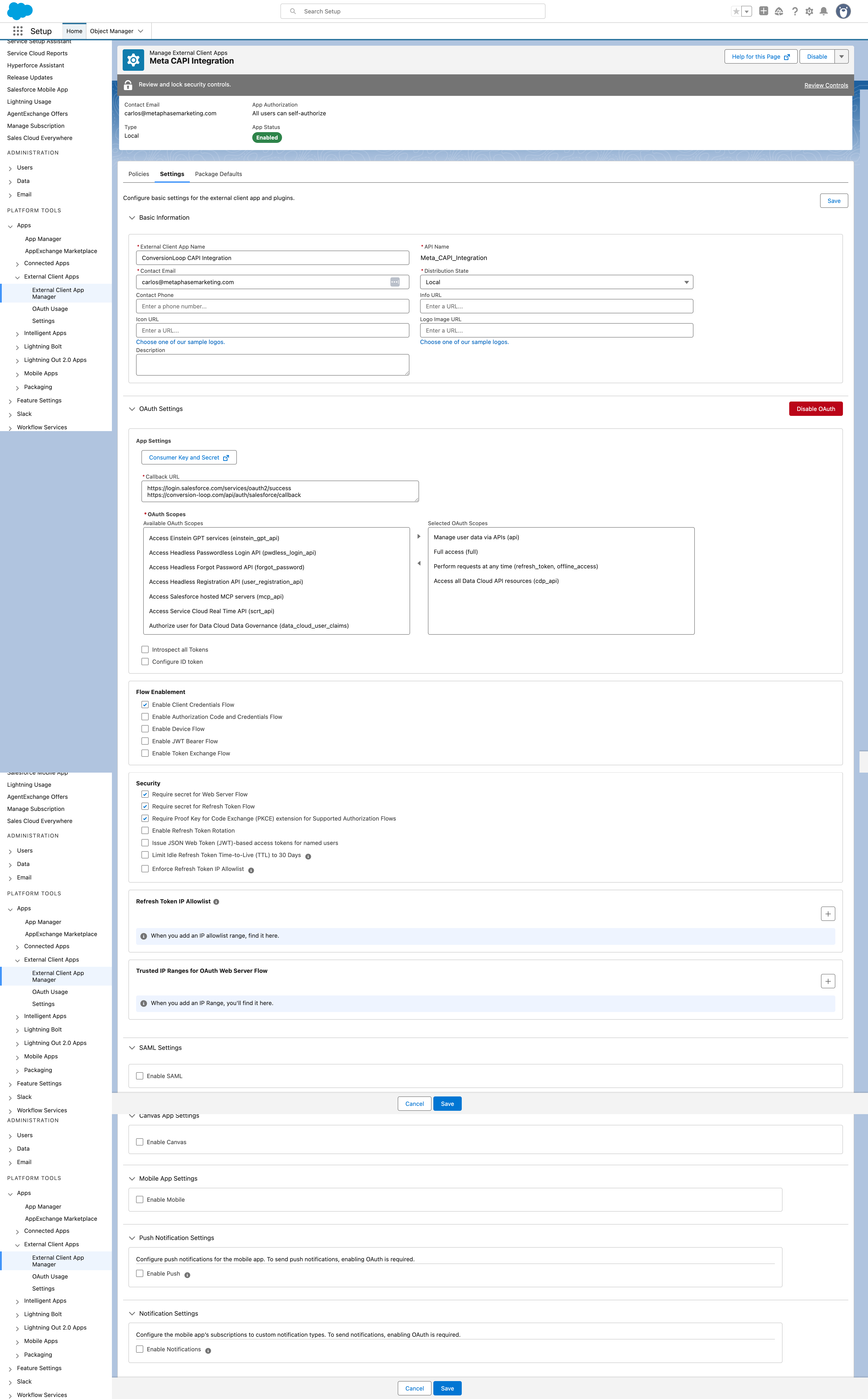
Step-by-step: Connect Jobber to Meta
Follow these steps once. Everything after is automatic.
Jobber events worth tracking
PurchaseInvoice Paid in Jobber. Passes the exact invoice amount. Highest-quality signal for Meta ROAS optimization and Lookalike Audiences.
ScheduleJob Completed. Maps to Meta Schedule event. Useful when payment timing varies or lags behind job completion.
LeadQuote Approved or Service Request created. Mid-funnel signal. Helps Meta find prospects likely to book and pay.
Key takeaways
- 1Meta pixel only fires on page visits and form submissions. Jobber jobs that close days later are invisible.
- 2iOS 14 and ad blockers block 30 to 40 percent of pixel events, making client-side tracking unreliable.
- 3Server-side CAPI events sent by ConversionLoop reach Meta regardless of browser restrictions.
- 4Invoice Paid events teach Meta what a paying home services customer looks like.
- 5Lookalike Audiences built on invoice payers outperform audiences built on website visitors.
Frequently asked questions
No. ConversionLoop sends a unique event ID with every CAPI event. Meta's deduplication logic removes any duplicate from the pixel. Your conversion count stays accurate.
Jobber webhooks via Developer Tools are available on the Connect and Grow plans. If you are on a lower tier, contact Jobber support to confirm webhook access for your account.
cl.js stores the fbclid against the contact's email or phone when they first click your ad. When Jobber fires the invoice webhook, ConversionLoop receives the client's contact data, looks up the stored fbclid, and includes it in the CAPI payload. Meta uses it for attribution.
Connect Jobber to Meta today
Stop optimizing on guesswork. Every invoice, treatment, and booking — tracked and attributed automatically.
Start free — 14 days on usNo credit card required · 10-minute setup · Cancel anytime